How to do a website audit
A website audit finds out why a site brings in fewer visitors and leads than it could. This checklist covers every step, from page speed to AI search, and you can tick the points off right here as you go.
Before you start the audit
The goal
Should the site bring in leads, calls, sales or job applications? Settle that first. Every finding will later be judged by whether it keeps visitors from exactly that goal.
Buyers and market
Who buys, and how do they decide? And which three competitors do they compare you with? Without those answers, an audit can only check the technology.
Access
The audit needs access to Search Console, Google’s free reporting tool. They also need your analytics and the system the site is managed in. A full audit then takes several hours, while checking a single thing like page speed takes minutes.5
The checklist
0 of 31 done
Your ticks are saved in this browser.
Google’s thresholds
0.1
CLS
This is how little the page may jump around while it loads, for example when an image pops in late.1
Google measures real visits, separately for phones and computers.2 Three out of four page loads have to make the mark, or Google no longer rates the page as good. Your site’s real numbers are in Search Console, in the “Core Web Vitals” report. If the site has too few visitors, the report stays empty, and PageSpeed Insights runs a lab test instead.
What to fix first
Every finding gets two grades. The first says how much it helps the goal, and the second says how much work it takes. Together they decide the order.
So the errors that stop buyers from getting in touch go to the top.
Do first
high impact, low effort
For example, missing titles or no clear way to get in touch. Search engines that are locked out, or old addresses without a redirect, belong here too.
Plan
high impact, high effort
For example, a faster site, a separate page for each service or a reorganized menu.
On the side
low impact, low effort
For example, missing image descriptions, a few error pages or duplicate descriptions.
Park it
low impact, high effort
A new CMS just to clear one warning.
Website audit tools
The Quick Check reads the homepage and key subpages. It doesn’t check every single page, though, and it doesn’t analyze the links from other websites either. You’ll find what an agency audit costs on our page about SEO audit cost.
Know now what your website needs.
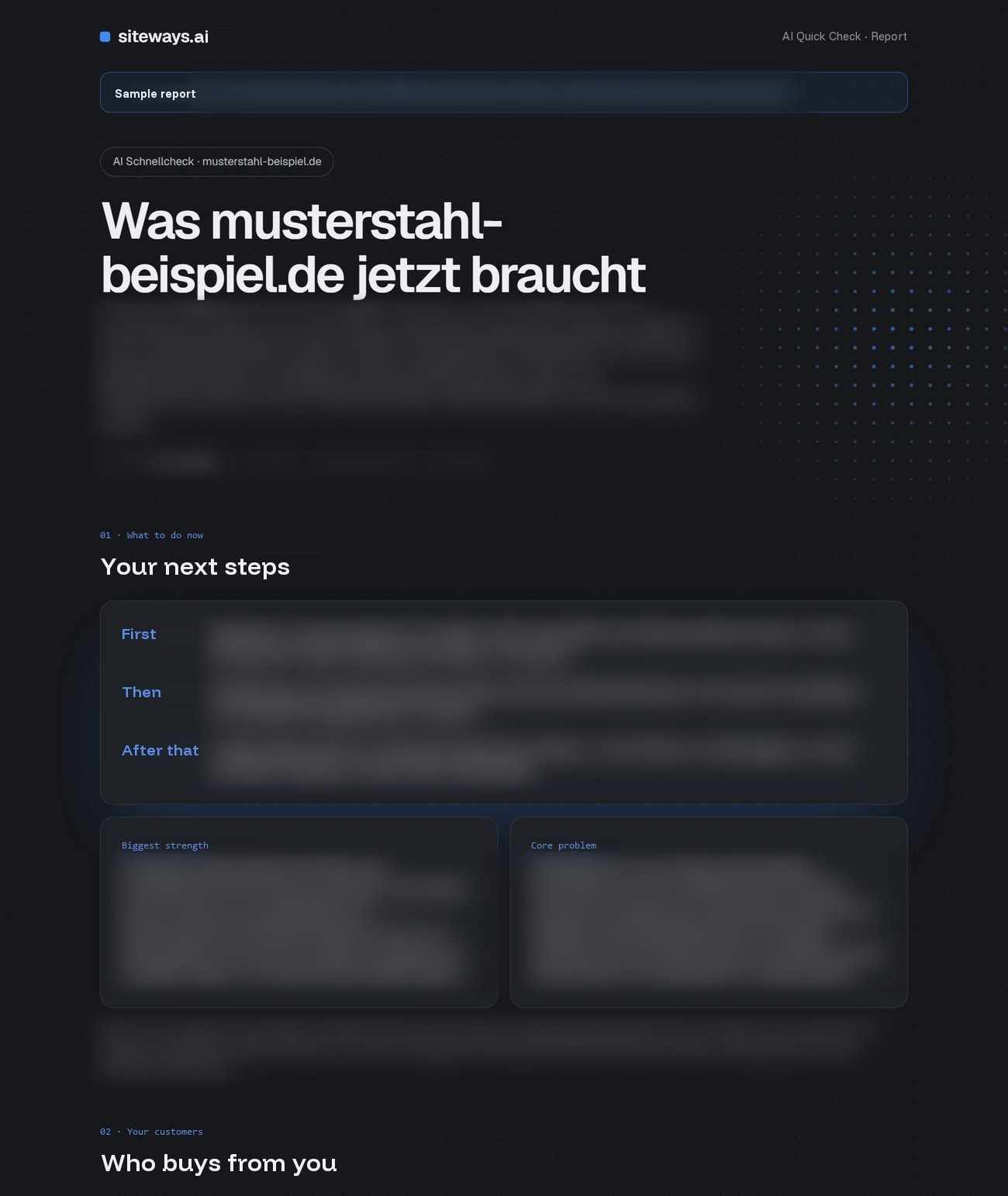
Our AI Quick Check reviews your website and tells you what to fix first. Built by web and SEO experts, in your inbox within minutes.
- Audience analysis
- Market analysis
- Content analysis
- UX analysis
- SEO
- AI search
- Action plan
$9.99 one-time payment · no subscription, no account
PDF by email, usually in under 5 minutes
Website audit: common questions
What is a website audit?
A website audit reviews the technical side, the individual pages, the content and the links from other sites. A thorough one also looks at AI search, at the customers and at how visitors find their way through the site. It ends with a plan that ranks the findings by benefit and effort.
Can I do a website audit myself?
Yes, and the checklist on this page is built for exactly that. Most of the technical checks need nothing more than Google Search Console and PageSpeed Insights. The harder part is judging the content with fresh eyes, because the people who wrote it rarely notice what trips up a stranger.
How can I audit my website for free?
Start with Google’s free tools. Search Console shows which pages Google has indexed and which searches bring visitors, and PageSpeed Insights measures loading speed. Screaming Frog then crawls up to 500 URLs for free.4 What none of these tools tells you is which fix to make first.
Is there a website audit template?
The checklist above works as one. You can tick the points off on screen, the page remembers them in your browser, and the print button turns the list into a clean template on paper.
How long does a website audit take?
A full audit takes several hours, while checking a single thing like page speed takes just minutes.5 The AI Quick Check is usually done in under 5 minutes.
How often should you audit a website?
Once or twice a year is common, plus one before and one after a redesign or a move to a new system.6
What is the difference between a website audit and an SEO audit?
An SEO audit mainly looks at how well the site can be found on Google. A website audit goes a step further and also asks whether the site fits its customers and whether visits turn into leads.
Does Google’s AI search need special optimization?
No. Google lists no additional requirements for its AI Overviews. The page has to be in Google’s index and allowed to show with a short text excerpt. Other than that, the usual rules still apply.3
How much does a website audit cost?
Agency audits mostly cost $500 to $7,500.6 You’ll find every price tier on our page about SEO audit cost.
Sources
- Google Search Central, Understanding Core Web Vitals and Google search results (“strive to have LCP occur within the first 2.5 seconds”, INP “less than 200 milliseconds”, CLS “less than 0.1”), accessed Nov 5, 2026: developers.google.com
- web.dev, Web Vitals (“a good threshold to measure is the 75th percentile of page loads”), accessed Nov 5, 2026: web.dev
- Google Search Central, AI features and your website (“There are no additional requirements to appear in AI Overviews or AI Mode”), accessed Nov 5, 2026: developers.google.com
- Screaming Frog, SEO Spider (“The free version is restricted to crawling up to 500 URLs in a single crawl”, “£199 Per Year”), accessed Nov 5, 2026: screamingfrog.co.uk
- HubSpot, Website audit ultimate guide (“This process takes several hours to complete”, “A quick audit of individual elements … can be completed in minutes”), accessed Nov 5, 2026: blog.hubspot.com
- Neil Patel, SEO Audit Pricing (“Most businesses should run a full SEO audit once or twice a year”), accessed Nov 5, 2026: neilpatel.com
- Google, Search Console Help: About Search Console (“Google Search Console is a free service offered by Google”), accessed Nov 5, 2026: support.google.com